
Operations
Job scheduling, booking & dispatch
Create work, allocate it, see progress and keep actions attached to the original job.
Service business management software
Your Dispatch Partner brings job scheduling, dispatch, field teams, customers, quotes, invoices, payments, follow-up, training and management reporting into one configurable platform for service businesses.
One connected operations platform
YDP connects the work that often sits across diaries, spreadsheets, messaging apps and separate systems. Screens, terminology and permissions can be configured around each customer.
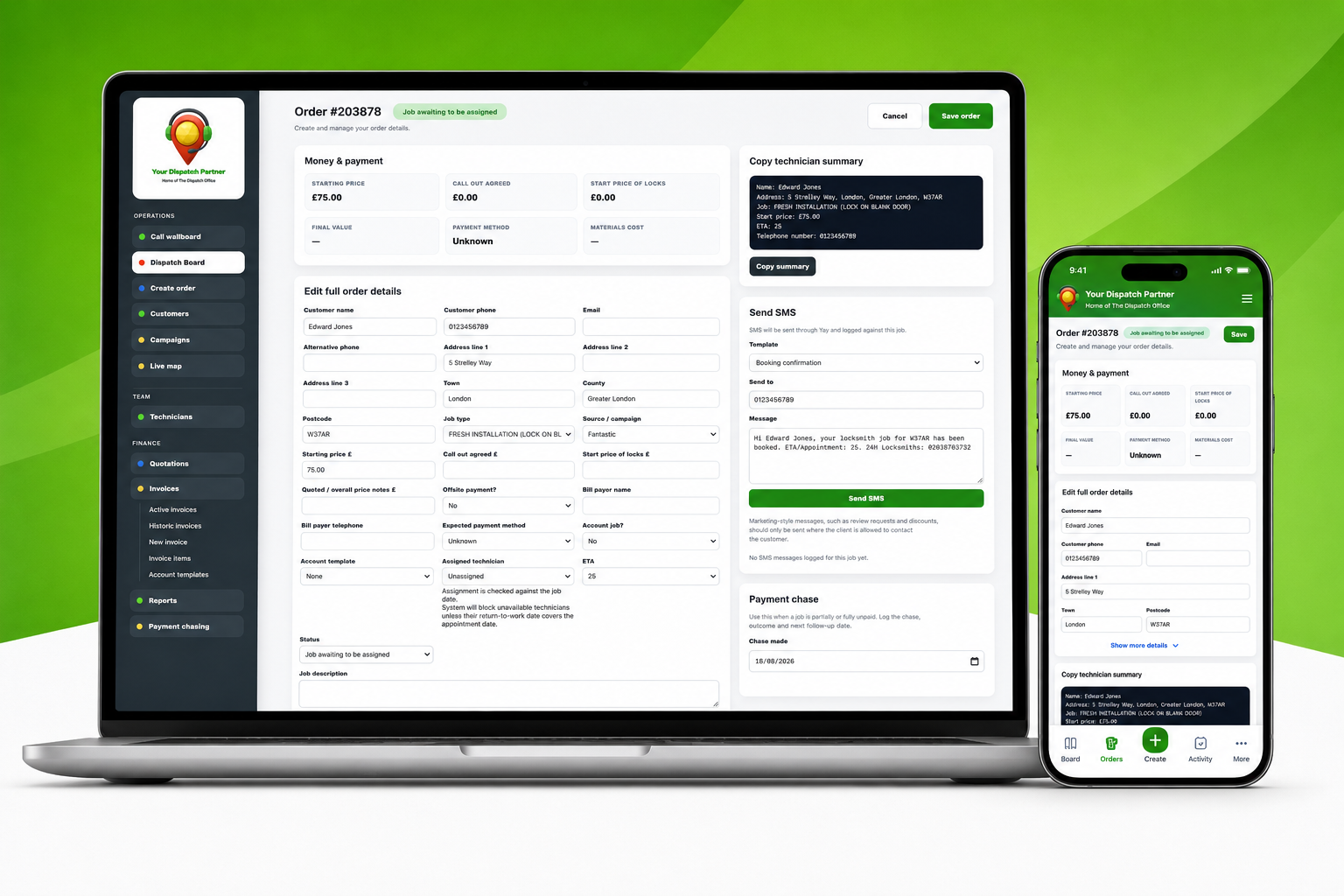
Create work, allocate it, see progress and keep actions attached to the original job.
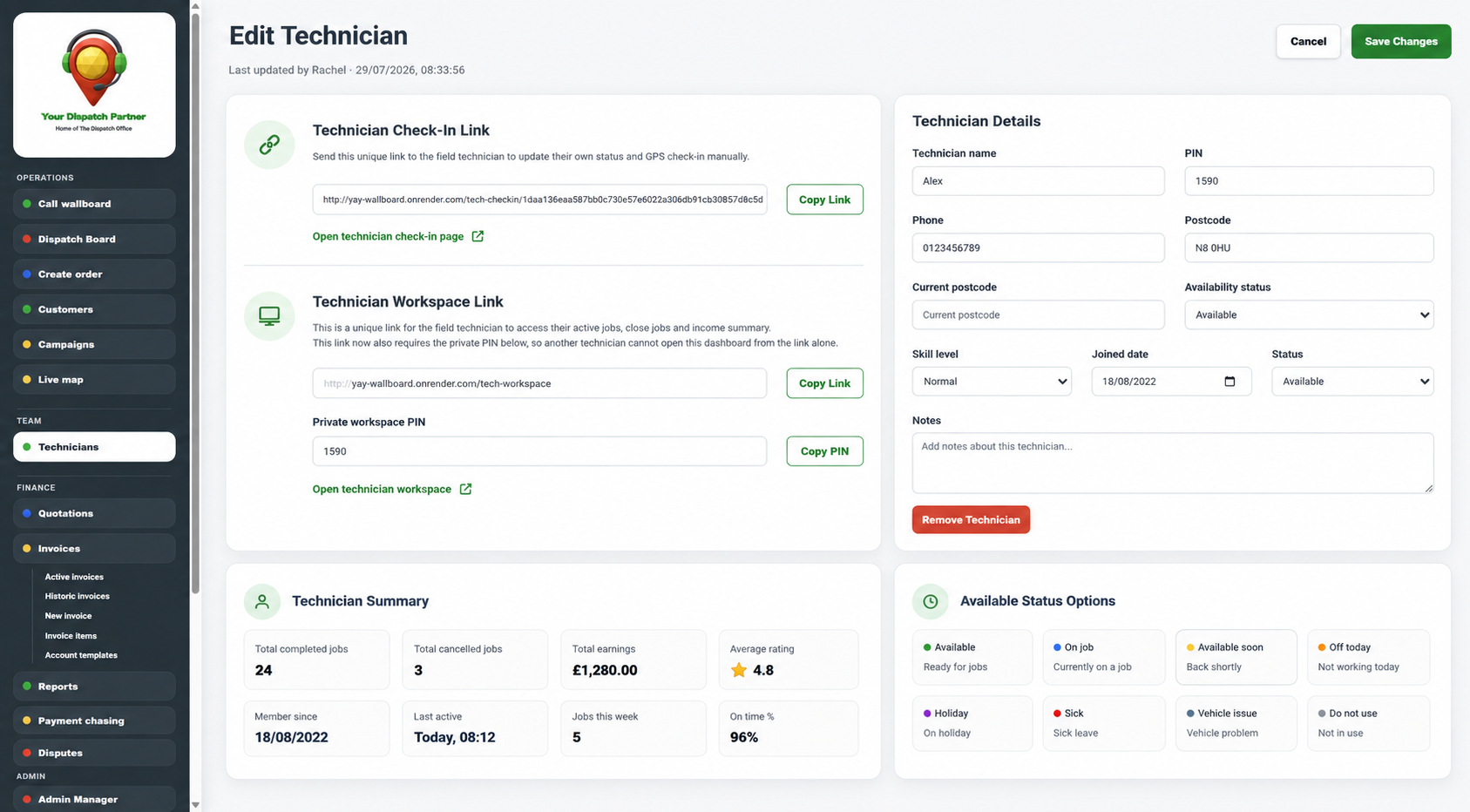
Manage availability, work allocation, secure workspaces and responsibilities.
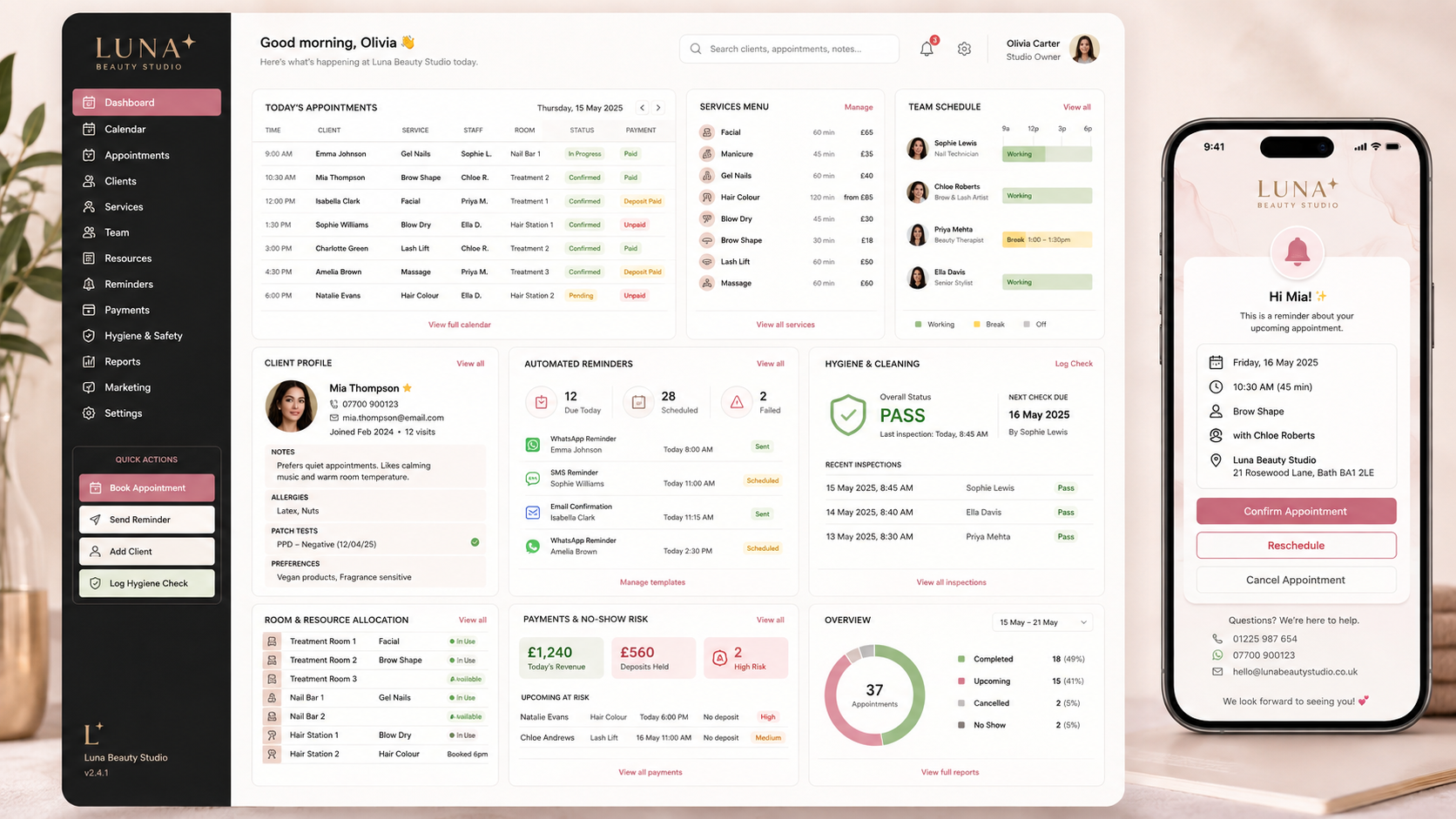
The same YDP framework can support salons and other booking-led service teams.
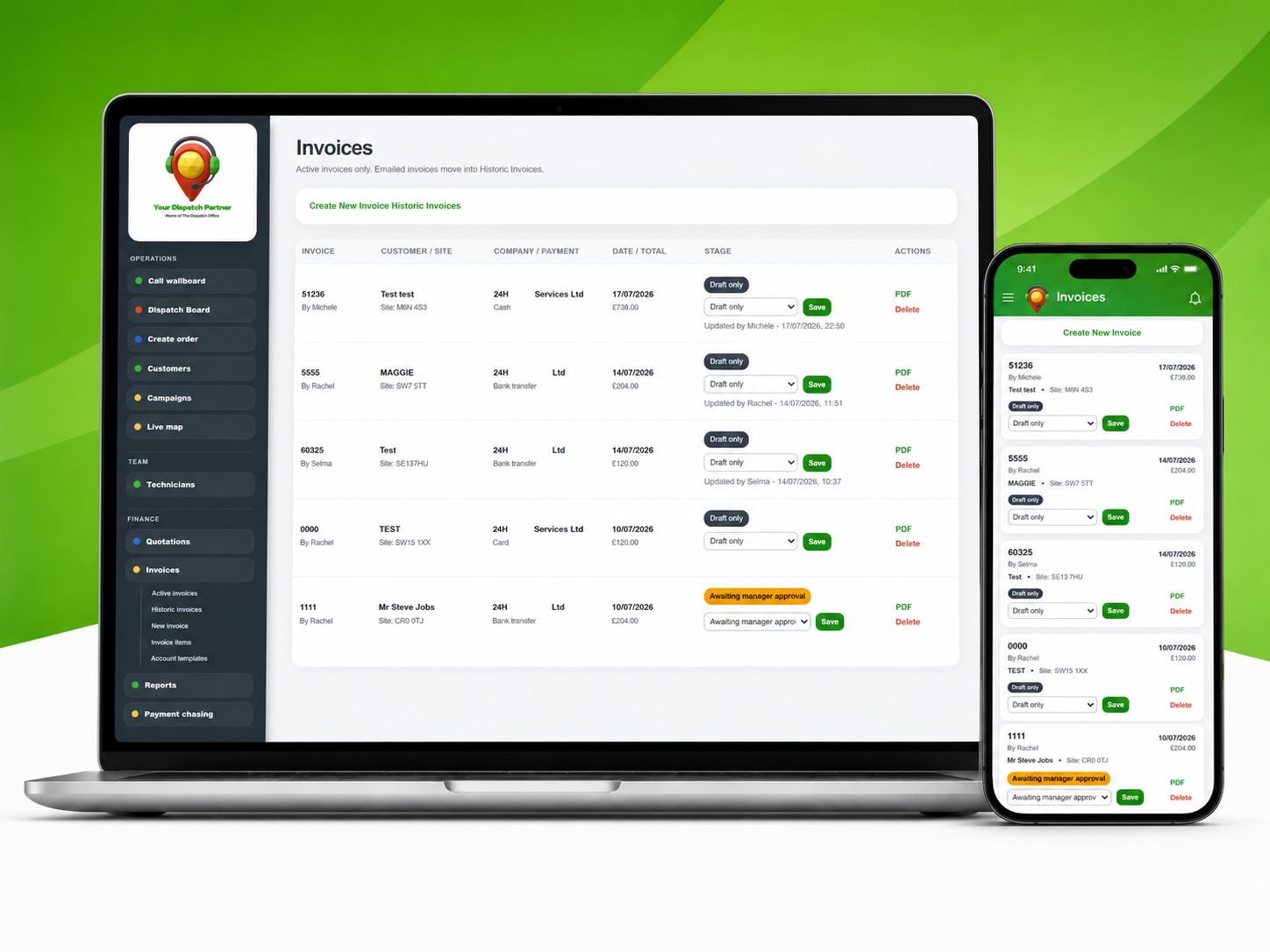
Keep the commercial journey connected to the work that created it.
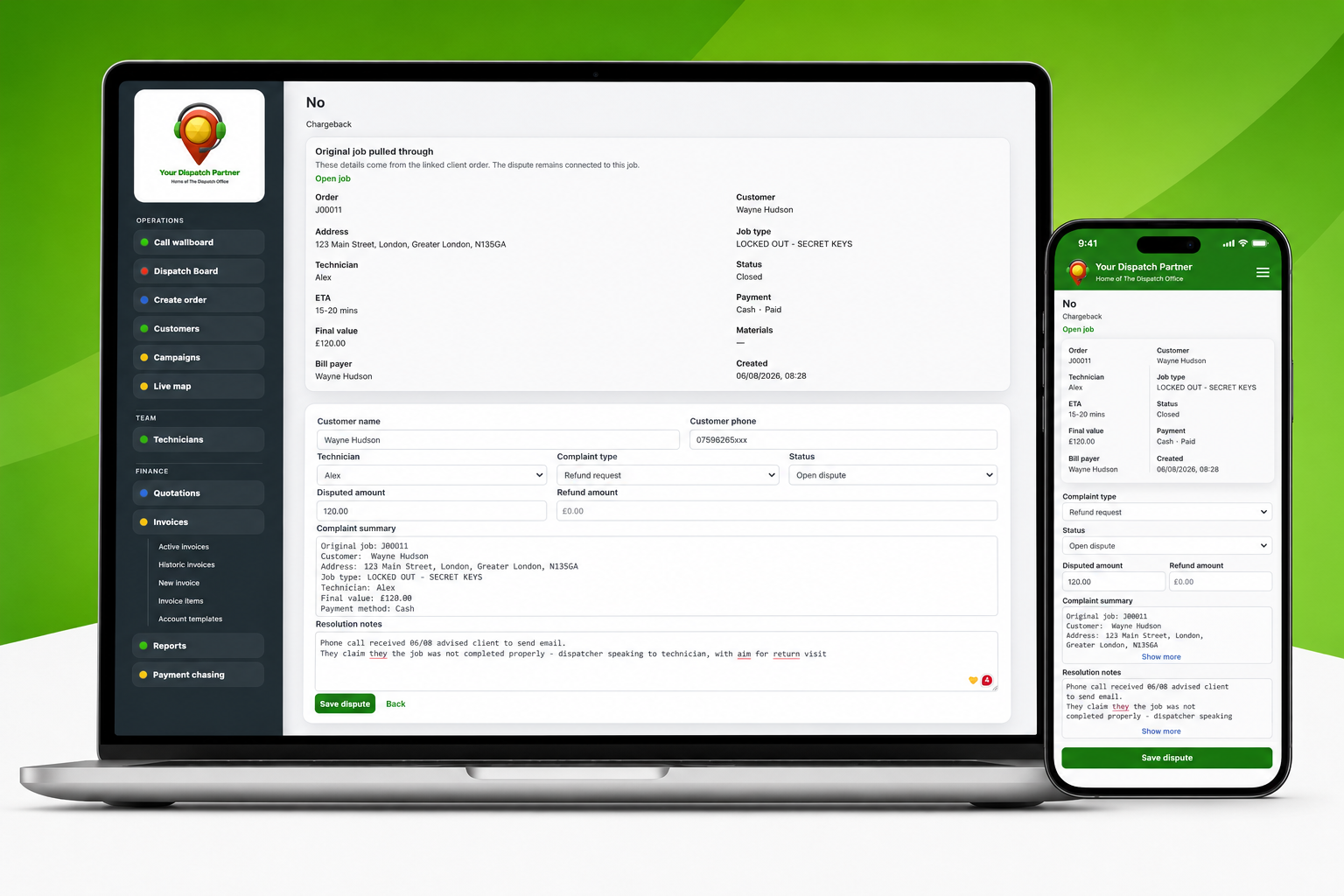
Give unresolved issues an owner, update history and next action.
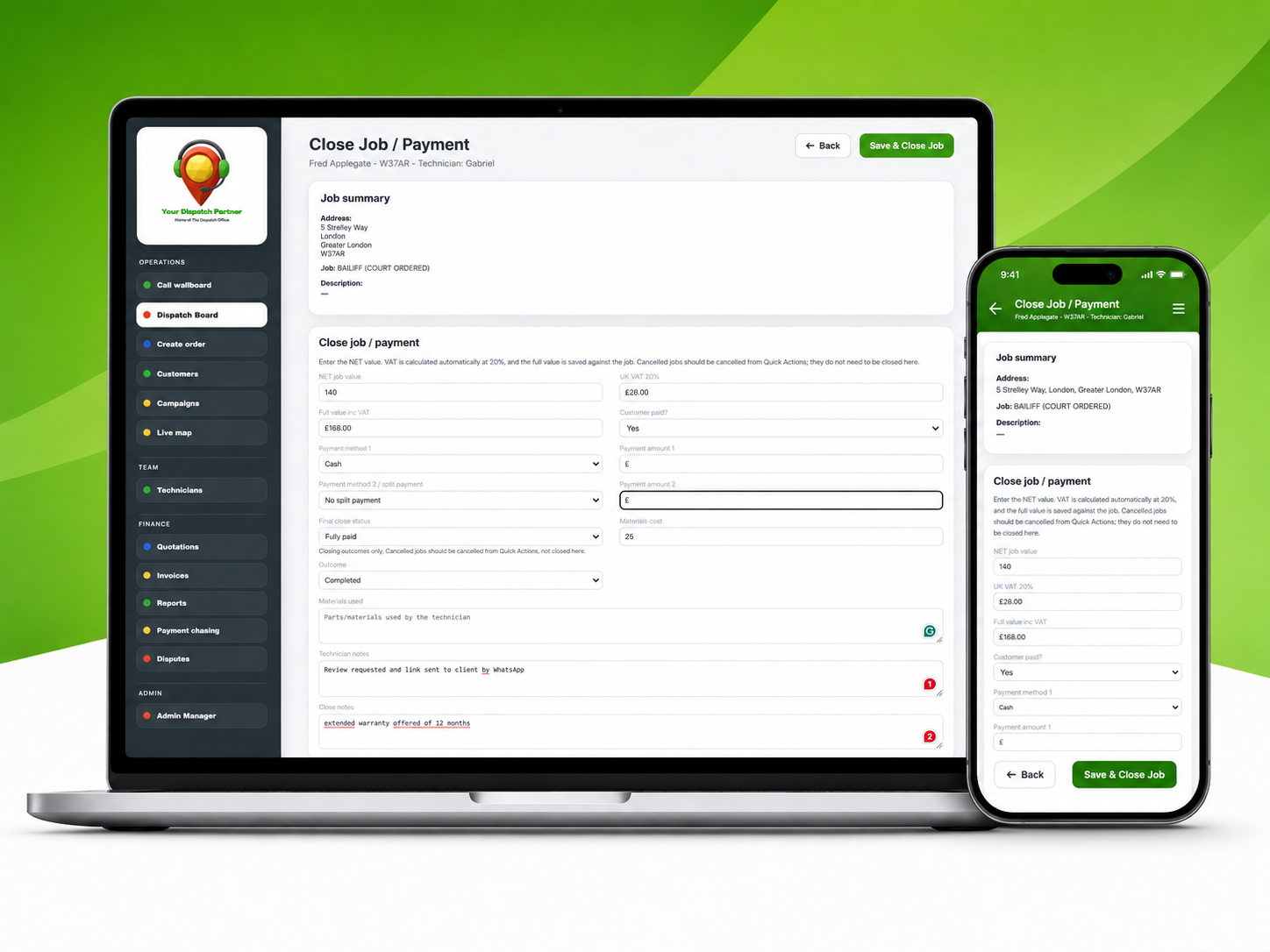
Move work through completion, payment, evidence, follow-up and reporting without losing the thread.
Keep urgent, scheduled and appointment-led work moving from first enquiry to final action.
See active and scheduled work in one place, with status cards, team availability, job lists and quick actions.
Create jobs with customer details, postcode, category, source, ETA, scheduled date and time, assigned person and payment notes.
Use postcode lookup, postcode search, job references and dispatch-map support for location-sensitive service work.
Book future jobs and appointments with clear scheduled dates and times.
Open one job record to see customer details, allocation, ETA, payment status, notes, evidence and job actions.
Give office teams useful location context around customer jobs and field-team coverage.
Give the office visibility while giving field and service staff exactly the working view they need.
Allocate work around availability, return-to-work dates and job timing.
Give technicians, engineers or service staff a focused mobile-friendly view of their assigned work.
Track who is available, on a job, off, sick, on holiday or otherwise unavailable.
Keep operational, management and field access appropriate to each person’s role.
Keep the customer and commercial journey attached to the operational record.
Search customers and see previous work, addresses, contact details, campaign history and payment history.
Track where enquiries and jobs come from so marketing and referral performance can be measured.
Create branded quotes, add line items, generate PDFs and move accepted work into the live operational workflow.
Create branded invoices, manage invoice stages and keep billing status connected to the customer and job.
Keep completed work visible until the money and follow-up are actually resolved.
Record job values, payment status, materials, outcomes and final close status.
Track unpaid and part-paid work, log chase attempts, set next actions and close follow-up when resolved.
Escalate unresolved payment issues while keeping the follow-up history attached.
Keep a clear record when service work becomes sensitive, disputed or evidence-heavy.
Track complaint details, disputed values, refund or chargeback status, team involvement and resolution notes.
See who changed key operational information and when, including status, appointment, allocation and payment updates.
Keep links to job photos, payment proof, signed paperwork and other supporting evidence against the work record.
Give managers and operations teams a live view of workload, performance and the actions that need attention.
See operational and commercial measures such as revenue, unpaid work, disputes, team performance and lead-source performance.
Surface active work, open actions, disputes, payment follow-ups and other priorities at the start of the shift.
Where supported by the connected phone provider, bring call activity and response performance into the operational picture.
Support outbound communications such as payment reminders, appointment updates, review requests and feedback messages where integrations allow.
Designed around real service operations
YDP connects operational activity with customers, people, payments, follow-up and management visibility — including the places where revenue and accountability are most often lost.
See where work is, who owns it and what needs attention next.
Give teams a clear operational picture before they start working through the day.
Keep unpaid work, unconverted enquiries and disputes visible instead of losing them in separate lists.
Keep important operational changes traceable instead of disappearing into messages and spreadsheets.
People & standards
Support the records and processes that help prove the business is being run properly — not just the bookings themselves.
Deliver videos, documents and learning modules, then record completion, scores, pass marks and attempts.
Hold qualification evidence, review dates and renewal reminders against the relevant team member.
Assign operational checks, capture evidence and surface overdue or failed controls.
Give teams access to current policies, procedures and acknowledgement records.
Leads & revenue recovery
Lead follow-up and unused capacity can sit inside the operational workflow rather than becoming forgotten admin.
Track interested customers, next actions, owners, updates and completion status.
Keep enquiries that did not convert available for structured follow-up rather than losing them permanently.
Select relevant customers, record campaign activity and track resulting bookings or revenue.
Use waitlists, follow-up and targeted offers to turn unused service capacity back into revenue.
See it with your own workflow
Tell us how work enters the business, how your team delivers it and where you currently lose time or visibility. We’ll show you the parts of YDP most relevant to your operation.